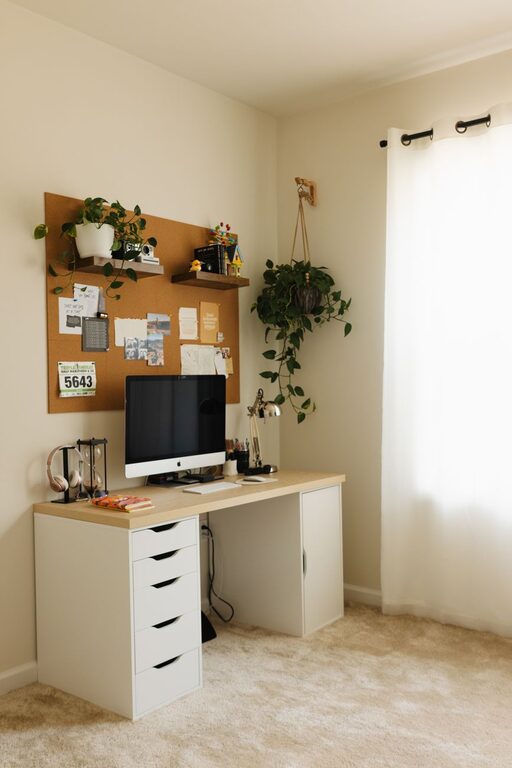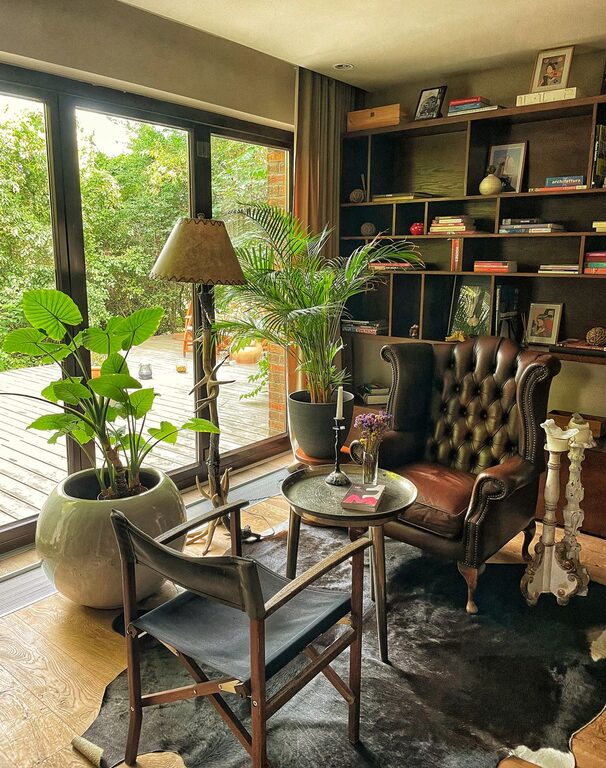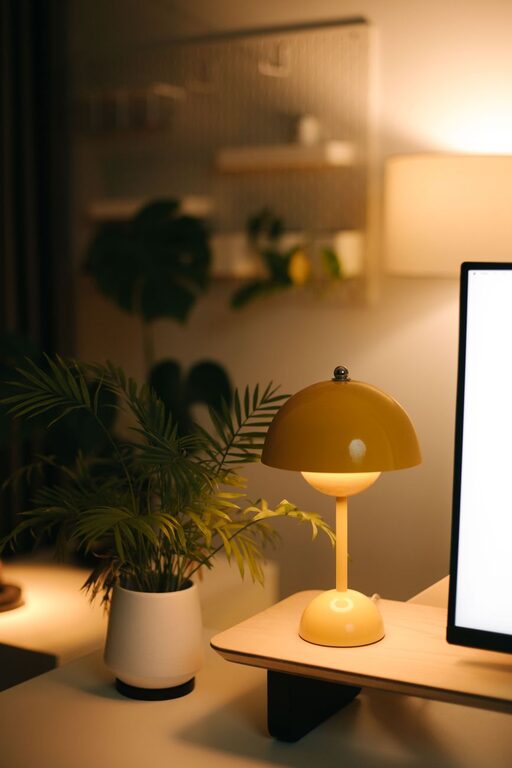
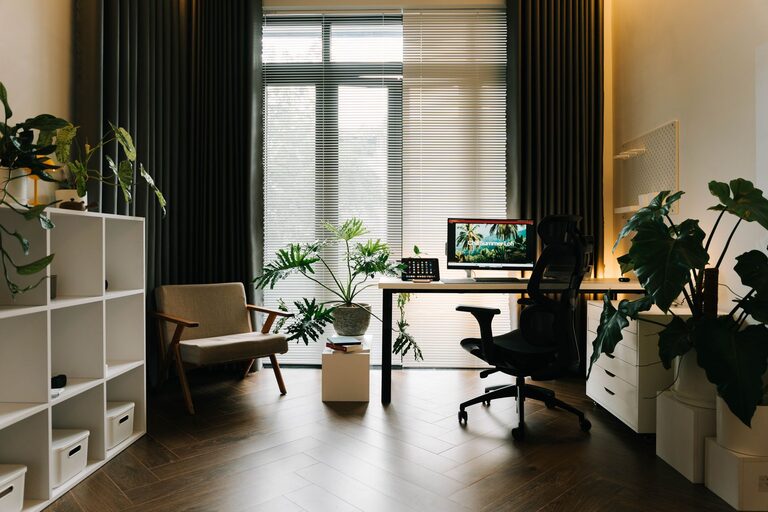
Creating a home office that feels both cozy and functional can significantly improve your work-from-home experience. Whether you are setting up a dedicated room or just carving out a small corner, balancing comfort with practicality will help you stay motivated and focused throughout the day. Here are some helpful tips to guide you through the process of designing a workspace that inspires productivity and relaxation.
Choose the Right Location
The first step is selecting a spot that fits your needs:
– Quiet and Private: Choose a low-traffic area to minimize distractions.
– Natural Light: Position your desk near a window for daylight, which enhances mood and reduces eye strain.
– Space Considerations: Make sure there’s enough room for your desk, chair, and storage without feeling cramped.
Invest in Ergonomic Furniture
Comfort is key in a home office:
– Ergonomic Chair: Select a chair that supports your back well and encourages good posture.
– Adjustable Desk: If possible, use a desk with adjustable height to switch between sitting and standing.
– Proper Desk Size: Ensure your desk can accommodate your computer, accessories, and work materials comfortably.
Organize with Smart Storage Solutions
Keeping your workspace clutter-free helps maintain focus:
– Shelving: Install shelves or a bookcase for easy access to books and supplies.
– Drawers and Bins: Use drawers, baskets, or boxes to store smaller items neatly.
– Cable Management: Tidy cables with clips or sleeves to reduce mess and avoid tangling.
Personalize Your Space
Adding personal touches can make your office inviting:
– Wall Art: Hang artwork or photographs that inspire you.
– Plants: Include a few indoor plants to bring life and improve air quality.
– Decorative Accents: Use rugs, cushions, or curtains in warm colors or soft textures to create a cozy atmosphere.
Optimize Lighting
Proper lighting reduces eye strain and enhances ambiance:
– Task Lighting: Use a desk lamp with adjustable brightness to focus light where needed.
– Ambient Lighting: Complement natural light with overhead or floor lamps for consistent illumination.
– Avoid Glare: Position screens away from direct sunlight to reduce reflections.
Use Technology Wisely
Set up your tech gear for efficiency:
– Reliable Internet: Invest in a strong Wi-Fi connection or wired Ethernet for smooth video calls and downloads.
– Efficient Equipment: Choose peripherals like an external keyboard, mouse, or monitor that improve comfort and performance.
– Noise-Canceling Headphones: These can help you stay focused in noisy environments.
Establish a Routine and Storage System
A good system supports productivity:
– Daily Tidying: Spend a few minutes each day clearing your desk to start fresh.
– Task Management: Use planners, calendars, or apps to organize your work schedule.
– Separate Work and Relaxation: When possible, avoid working from spaces meant for rest to maintain boundaries.
Keep Comfort Items Handy
Small comforts make a big difference:
– Water Bottle: Stay hydrated throughout the day.
– Cozy Blanket or Sweater: Keep warm if your workspace tends to be chilly.
– Footrest: Consider adding a footrest for additional ergonomic support.
Final Thoughts
Designing a home office that is both cozy and functional can enhance not only your productivity but also your overall well-being. By carefully considering location, furniture, organization, personalization, lighting, and technology, you can create a workspace that feels good to be in every day. Remember, your home office is an extension of your personal style and work habits — make it yours and enjoy the benefits of a well-designed space.
About the Author